How to Send Cryptocurrency | Token Sending & Receiving Explained with Images [2026]
June 26, 2025
~20 min
Learn how to send and receive cryptocurrency with step-by-step visual guides. Covers wallet-to-wallet transfers, chain selection, gas fee settings, and tips to prevent transfer mistakes.
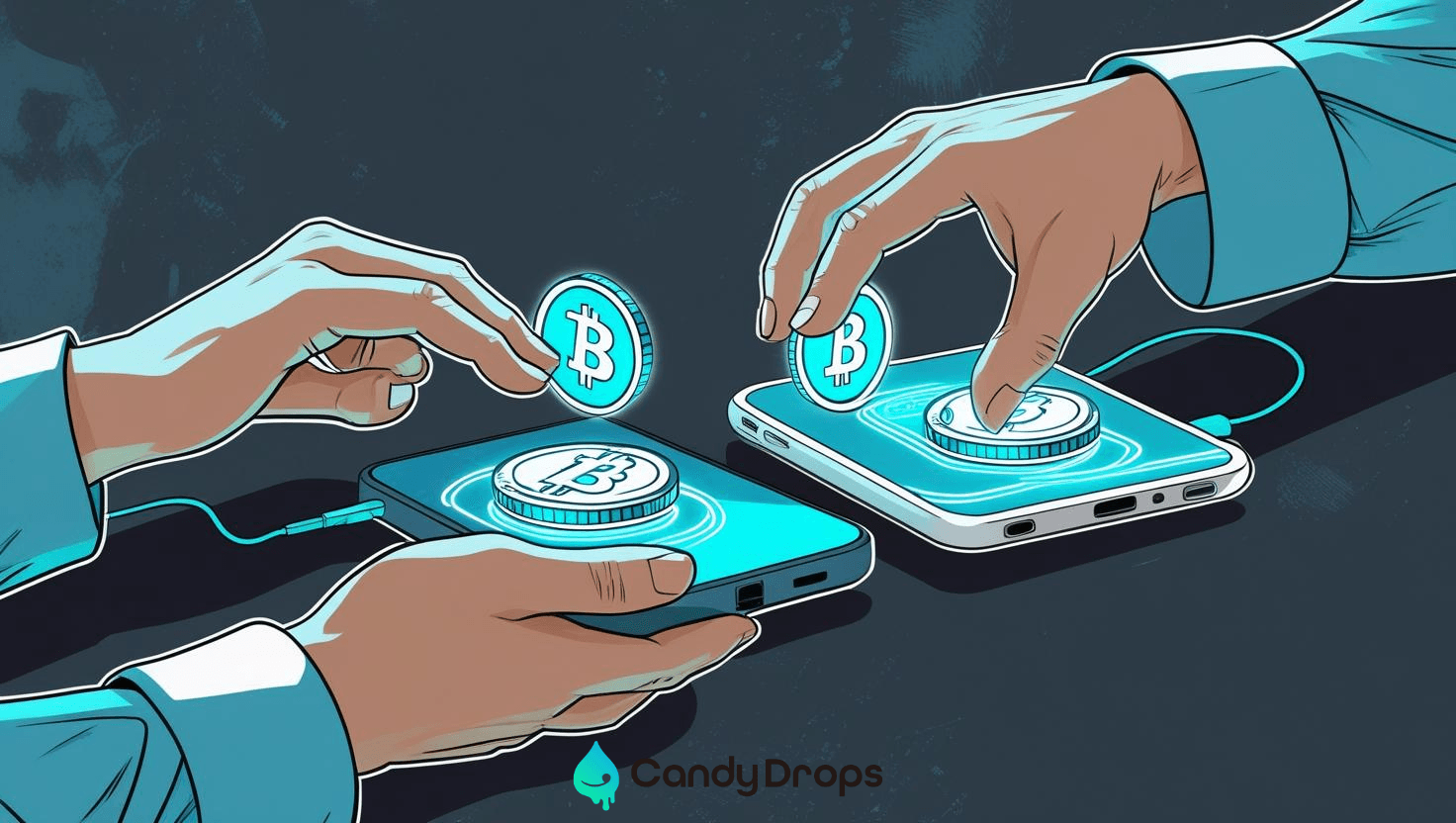
Table of Contents
 300
300"I don't know how to send cryptocurrency..." "I don't want to lose my assets due to a transfer mistake..." Do you have these concerns?
In this article, we explain how to send and receive cryptocurrency with easy-to-follow visual guides. From wallet-to-wallet transfer steps to chain selection, gas fee mechanics, and troubleshooting — this guide will help even beginners send crypto with confidence.
What you'll learn in this article
✅ How to send tokens between wallets
✅ How chain selection and gas fees work
✅ Tips to prevent transfer mistakes
✅ How to handle transfer issues
Basics of Cryptocurrency Transfers
Sending cryptocurrency means moving digital assets from one wallet to another on the blockchain. While similar to a bank transfer, the key difference is that users can transact directly with each other without a central authority.
To make a transfer, you need to understand these three fundamental elements:
- Wallet Address: An alphanumeric string starting with "0x" that serves as your account number. Even a single character error in the recipient's address can result in permanent loss of assets
- Chain (Network): The blockchain network where the token exists, such as Ethereum, Arbitrum, or Solana. The sender and recipient must use the same chain
- Gas Fee (Transaction Fee): The fee required to process transactions on the blockchain. It fluctuates based on network congestion
Transfer Specs Comparison by Major Chains
| Chain | Transfer Time | Gas Fee Estimate | TPS |
|---|---|---|---|
| Ethereum | 3–15 min | $1–$10 | ~30 |
| Arbitrum | 1–5 min | $0.01–$0.1 | ~4,000 |
| Base | 1–5 min | $0.001–$0.01 | ~2,000 |
| Solana | ~1 sec | Under $0.001 | ~65,000 |
| Bitcoin | 10 min–1 hr | $1–$30 | ~7 |
How to Send Tokens Between Wallets
Here, we'll walk through the transfer process step by step using the Rabby wallet. If you practice on a testnet environment, you can learn the operations without using real money.
If you haven't received tokens from a testnet Faucet yet, please read "How to Receive Tokens from a Testnet Faucet" first.
Verify the Recipient Address
First, accurately verify the recipient's wallet address.
- Open the recipient's wallet app and copy the address
- Always use copy & paste to enter the address. Manual entry can cause transfer errors
- After pasting, visually verify that the first few and last few characters match
Select the Chain
Select the chain (network) where the token you want to send exists.
- Always select the same chain for both sender and recipient
- Sending to a different chain may result in permanent loss of assets
- If unsure, check which chains are supported by the recipient's wallet or service
Set the Gas Fee
Transfers require a fee called "gas."
- Gas fees fluctuate based on network congestion
- Rabby wallet automatically displays the recommended gas fee
- If you're not in a hurry, selecting "slow" can save on gas fees
- On testnets, no real money is involved, so feel free to practice
Execute the Transfer
Tap the "Send" or "Transfer" button on the Rabby wallet home screen.
- Paste the recipient address
- Enter the amount to send (you can also use the "Max" button to send the full balance)
- Review the gas fee
- Review the details and tap "Confirm" or "Send"
- Enter your password or biometric authentication if prompted
- The transfer is complete when the confirmation screen appears
How to Receive Tokens
To receive tokens, you simply need to share your wallet address with the sender.
1. Open Rabby Wallet
Open the Rabby wallet app.
2. Copy Your Address
Tap your wallet address (the string starting with "0x") on the home screen.
The address will be copied and a "Copied" message will appear.
⚠️ Important: Your wallet address is like a bank account number. If even one character is wrong, you'll send to the wrong person and won't be able to recover the funds. Always use copy & paste for accuracy.
3. Share Your Address
Send the copied address via a messaging app or email, or display a QR code for the sender to scan.
To display a QR code, tap the "QR Code" button on the address display screen.
4. Confirm the Deposit
Once the sender transfers the tokens, check if your balance has increased on the Rabby wallet home screen. It may take a few minutes for the tokens to arrive. Pull down the screen to refresh and see your latest balance.
Tap the "History" or "Activity" tab to check the transaction status (processing, completed, etc.).
Tips to Prevent Transfer Mistakes
Cryptocurrency transfers cannot be reversed once confirmed. Always follow these guidelines.
Always Do a Test Transfer
For first-time recipients, always send a small amount first (e.g., around 0.001 ETH). Confirm the address and chain are correct before sending the full amount.
Prevent Chain Selection Errors
The most common cause of transfer mistakes is selecting the wrong chain.
- Always verify that both sender and recipient have selected the same chain before transferring
- Between EVM-compatible chains (e.g., Ethereum ↔ Arbitrum), you may be able to receive at the same address, but sending between incompatible chains (e.g., Ethereum ↔ Solana) will result in lost assets
- When withdrawing from an exchange to a wallet, you can select the chain on the exchange's withdrawal screen
How to Verify Addresses
- Always use copy & paste to enter addresses
- After pasting, visually verify the first 4 and last 4 characters
- Be wary of address poisoning (a scam that tricks you into copying fake addresses). Be especially careful when copying addresses from transaction history
Troubleshooting Transfer Issues
Transfer Is Pending
If your transfer remains "Pending" for an extended period, check the following:
- Gas fee too low: Setting the gas fee too low causes your transaction to be deprioritized. Use the "Speed Up" feature in your wallet to add more gas
- Network congestion: Ethereum can experience transaction delays during high congestion. Wait and be patient
- Check on a block explorer: Enter your transaction hash on Etherscan or another block explorer to see detailed processing status
Transfer Failed
If a transaction shows "Failed," the following causes may apply:
- Insufficient gas: Transactions fail when gas runs out, but the gas fee is still consumed. Retry with enough balance to cover the gas fee
- Contract error: Occurs when conditions are not met in a smart contract interaction. Review the transaction requirements
- Nonce mismatch: Can occur when multiple transactions are sent in quick succession. Wait for the previous transaction to complete before sending the next one
Sent to the Wrong Address
Unfortunately, if you send to the wrong address, the transaction cannot be reversed on the blockchain. You can only request a refund if you can identify the owner of the recipient address. To prevent such issues, make test transfers a habit.
Frequently Asked Questions About Crypto Transfers
How long does a crypto transfer take?
It depends on the chain. Ethereum takes about 3–15 minutes, Solana about 1 second, and Bitcoin about 10 minutes to 1 hour. Withdrawals from exchanges may take additional time due to the approval process.
What happens if I enter the wrong recipient address?
If you send to a non-existent address, the assets are permanently lost. Always do a test transfer (send a small amount first) and use copy & paste to enter addresses.
What if I sent to the wrong chain?
Between EVM-compatible chains (ETH → Arbitrum, etc.), you may still be able to receive at the same address. However, sending between incompatible chains (ETH → SOL, etc.) will result in permanent loss. Always verify the chain before transferring.
Summary
Sending cryptocurrency isn't difficult once you understand the basic steps. Let's recap the key points:
- Always use copy & paste for addresses and verify visually
- Always match the chain (network) between sender and recipient
- Make test transfers a habit — send a small amount first to new recipients
- Check the gas fee before executing the transfer
- Use a block explorer to check the status when issues arise
Once you're comfortable with transfers, try using 👉 What Is a Crypto Bridge? to move tokens between different chains. If you'd like to review your wallet's basic settings before transferring, check out 👉 How to Set Up a Crypto Wallet.
Candy Drops is running a collaboration campaign with "OKJ," a cryptocurrency exchange licensed by Japan's Financial Services Agency. By registering through this link, you'll receive 1,000 yen worth of Bitcoin.
Additionally, by completing KYC and verifying tasks through the Candy Drops My Page, you can earn 50,000 Candy Drops points that can be used to enter regularly held campaigns.
Don't miss this opportunity — join today!
Earn points by answering correctly!
Recommended Reading